


Best Free PDF Tools Online
Introduction
PDF files are everywhere — job applications, government forms, invoices, study materials, and office documents. But editing or managing PDFs often requires paid software, which many users want to avoid.
Thank you for reading this post, don't forget to subscribe!
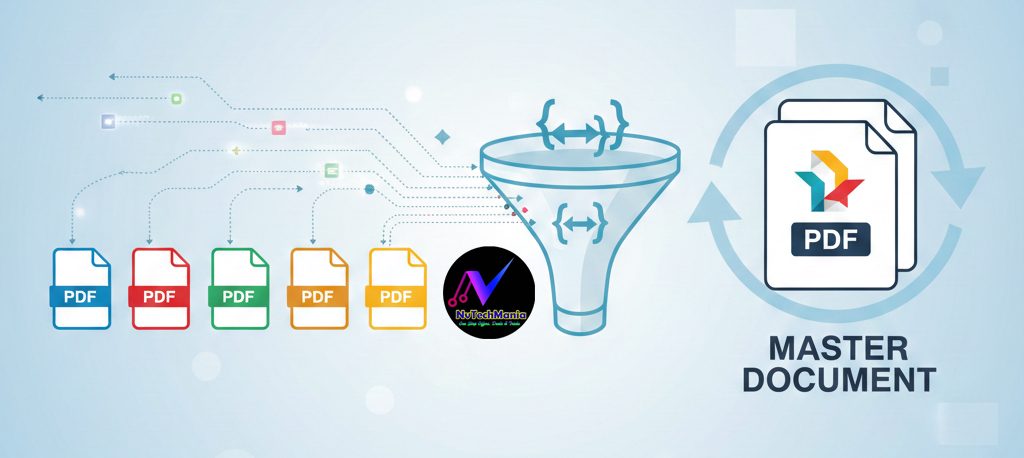
The good news? In 2026, several free online PDF tools allow you to edit, merge, split, compress, and convert PDFs without installing heavy software or paying fees. In this guide, we’ll cover the best free PDF tools online, their features, and who should use them.
What Are Online PDF Tools?
Online PDF tools are web-based services that help you manage PDFs directly in your browser. You can:
-
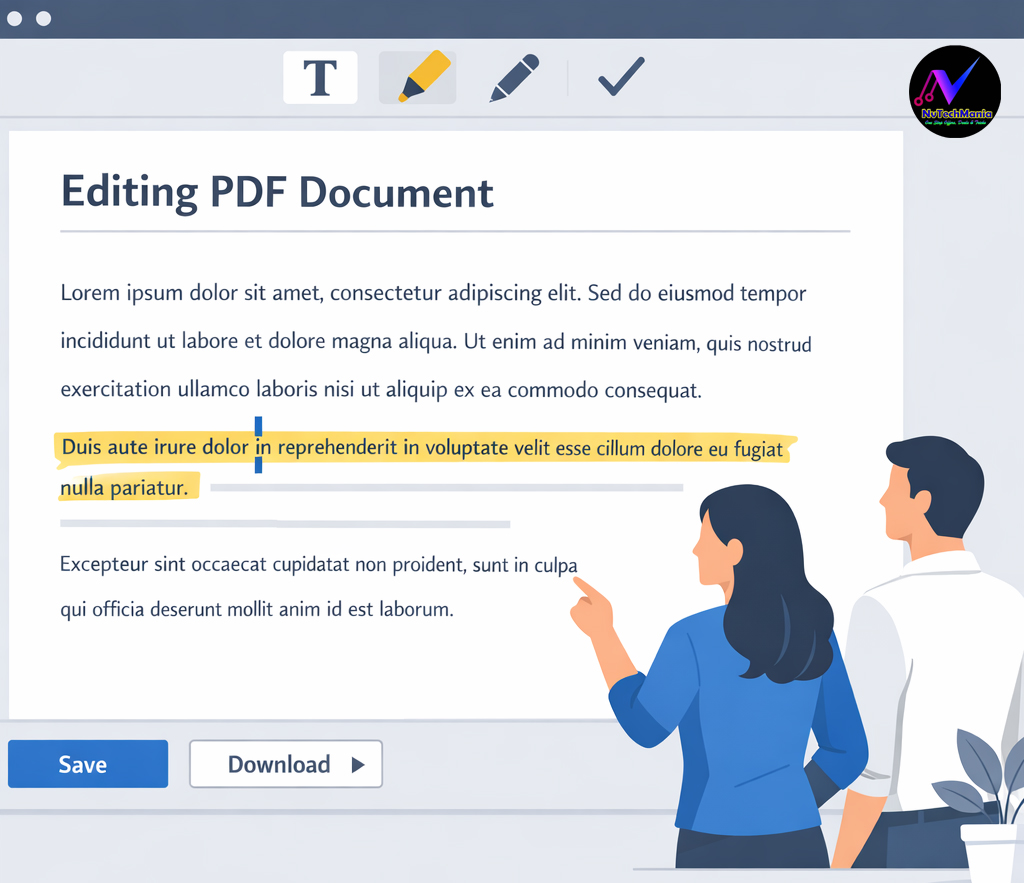
Edit text in PDFs
-
Merge or split files
-
Compress PDF size
-
Convert PDFs to Word/Excel/JPG
No installation needed.
Also Read — Best Free VPN Apps for Android in India (2026) – Safe & Fast Options
✅ Best Free Online PDF Tools (Working in 2026)
1. iLovePDF (Most Popular)
One of the most widely used PDF tools worldwide is iLovePDF.
🔹 Free Features: Merge, split, compress, convert
🔹 Login Required: Optional
🔹 Best For: Everyday PDF tasks
✔️ Simple interface
✔️ Works on mobile & desktop
✔️ Fast processing
2. Smallpdf
Clean UI with powerful PDF tools by smallpdf.
🔹 Free Uses: Limited per day
🔹 Best For: PDF compression & conversion
✔️ High-quality output
✔️ Secure file deletion
⚠️ Daily limits on free plan
3. PDF24 Tools
Completely free PDF toolkit.
🔹 Free: Yes
🔹 Login Required: ❌ No
🔹 Best For: Offline + online PDF tasks
✔️ No watermark
✔️ Multiple tools in one place
✔️ Great for students

4. Adobe Acrobat Online (Free Tools)
From the creators of PDF format.
🔹 Free Tools: View, comment, compress
🔹 Brand Trust: Very high
✔️ Reliable
✔️ Professional-grade quality
⚠️ Advanced editing is paid
5. Sejda PDF
Ideal for editing PDFs online with Sejda.
🔹 Free Usage: Limited tasks per day
🔹 Best For: Editing text in PDFs
✔️ Clean editor
✔️ Easy to use
⚠️ File size limits
Also Check Out — Best Free Password Managers in India (2026) – Secure Your Accounts Easily
Free vs Paid PDF Tools
| Feature | Free Tools | Paid Tools |
|---|---|---|
| Basic editing | ✅ Yes | ✅ Yes |
| Merge & compress | ✅ Yes | ✅ Yes |
| Bulk processing | ❌ | ✅ |
| No daily limits | ❌ | ✅ |
👉 Free tools are enough for students, bloggers, and office users.
Who Should Use Free PDF Tools?
-
Students filling forms
-
Bloggers & freelancers
-
Office workers
-
Small business owners
These tools save time and money.
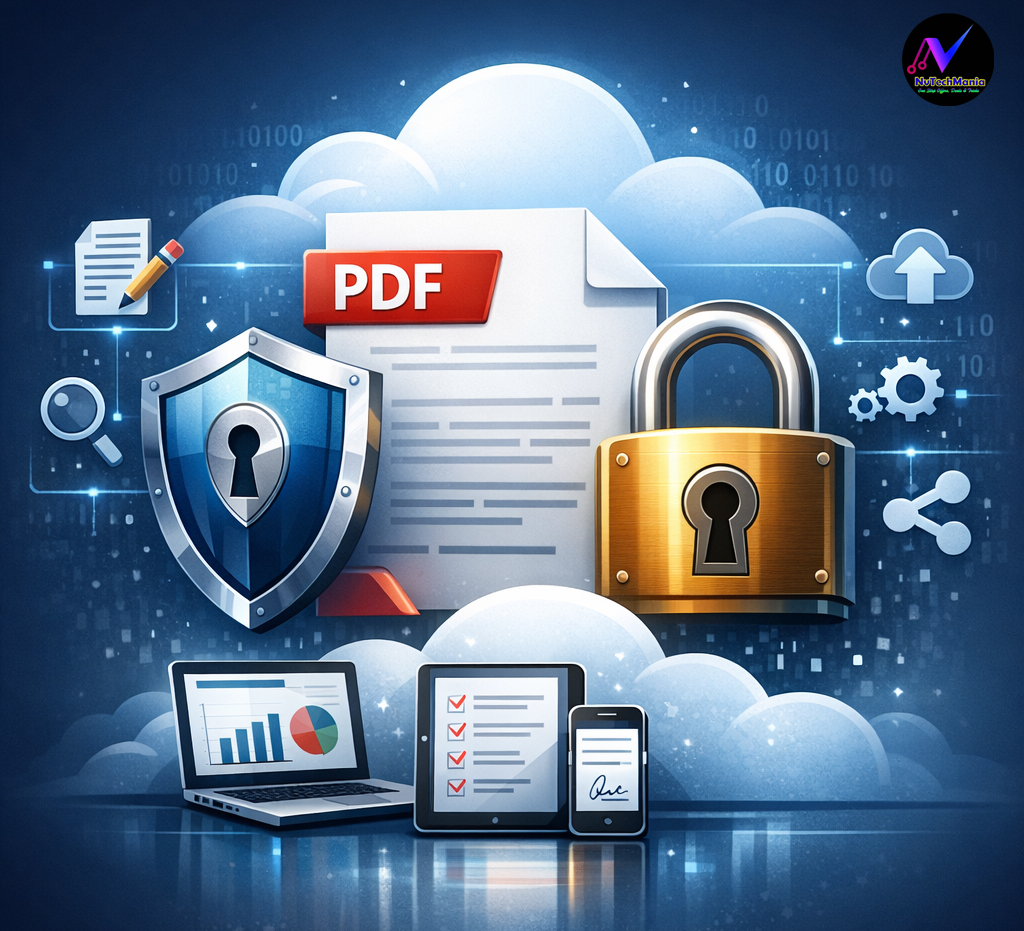
Safety Tips While Using Online PDF Tools
-
Avoid uploading sensitive documents
-
Use trusted platforms only
-
Check auto-delete policies
-
Prefer HTTPS websites
Also Check : Best Free AI Tools in 2026 That Can Replace Paid Software
FAQs – People Also Ask
Are online PDF tools safe?
Yes, popular platforms delete files automatically after processing.
Can I edit PDFs for free?
Yes, tools like Sejda and iLovePDF allow free editing.
Which PDF tool is best for students?
PDF24 and iLovePDF are excellent choices.
Final Verdict
You don’t need expensive software to manage PDFs in 2026. With free tools like iLovePDF, Smallpdf, PDF24, and Sejda, you can handle almost all PDF tasks quickly and safely.
👉 Choose the tool that fits your daily needs and work smarter.